RollCall Tavern guide
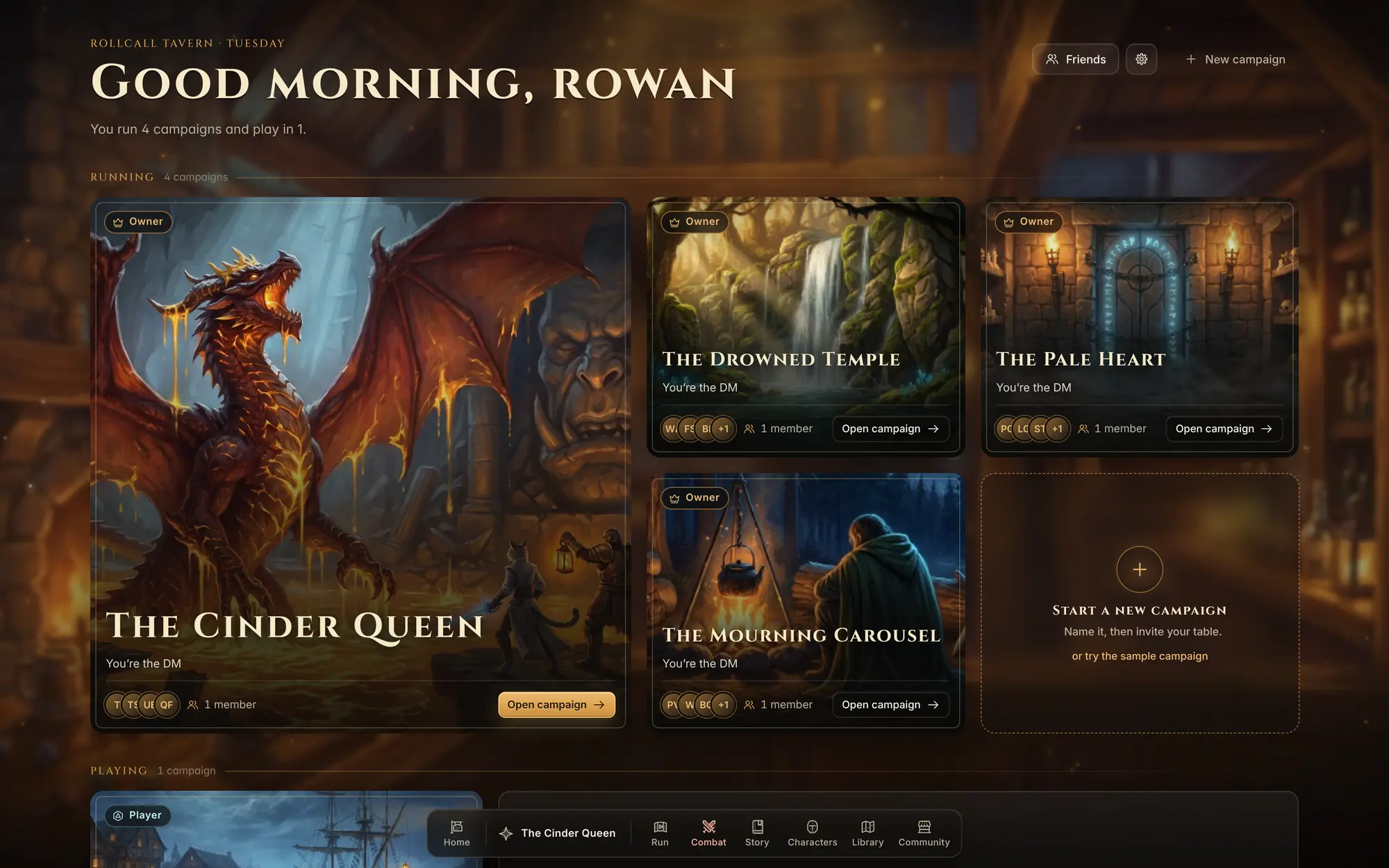
RollCall Tavern is a game night tool for the person running the table. Your campaign, your story, your characters and monsters, your maps and your fights live in one place, and your players follow along on their own phones or laptops. It works with 5e rules and any setting: a dragon’s lair, a haunted train, a city of clockwork.
Free for players and game masters. Everyone makes a free account. The optional AI helper, which can draft text and paint pictures for you, is the only paid part. Nothing in this guide needs it: you can build and run every part of a game by hand.
The pages in this guide
A word on names
The guide calls the person running the game the DM, because that is what the app calls you. The screens are named the way they appear in the dock at the bottom of the app: Home, your campaign, Run, Combat, Story, Characters, Library and Community. The pictures come from The Cinder Queen, an example campaign that ends in a fight with a red dragon in a ruined forge-temple.