
Features
Everything you do on game night.
Prep the campaign, run the fight, show the players the story and let them play from their phones. Four parts of one tool, all sharing one campaign.
Before the night · Prep
Prep the whole campaign in one place.
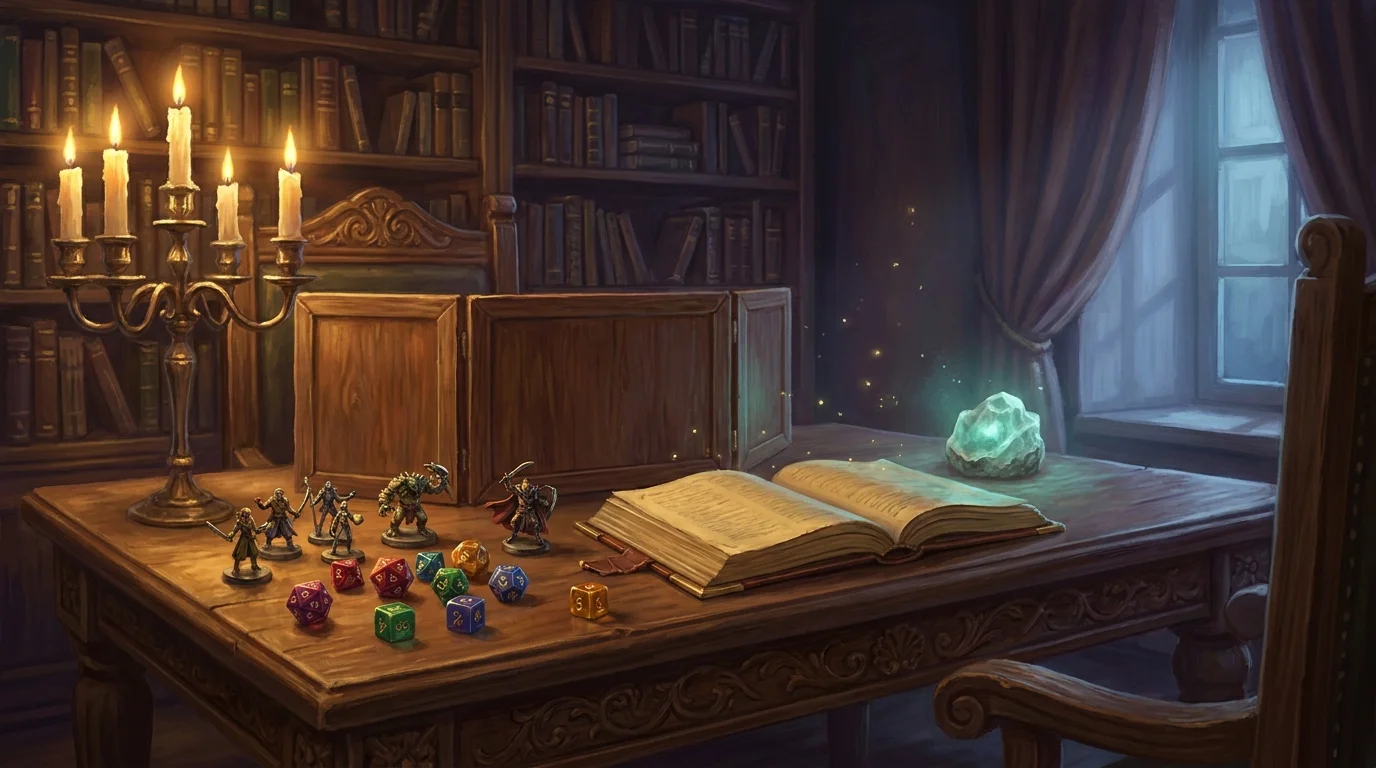
Your party, your story, your monsters and your maps live in one campaign. Open it and see what matters at a glance.
- Party cards with hit points, armor and level up front
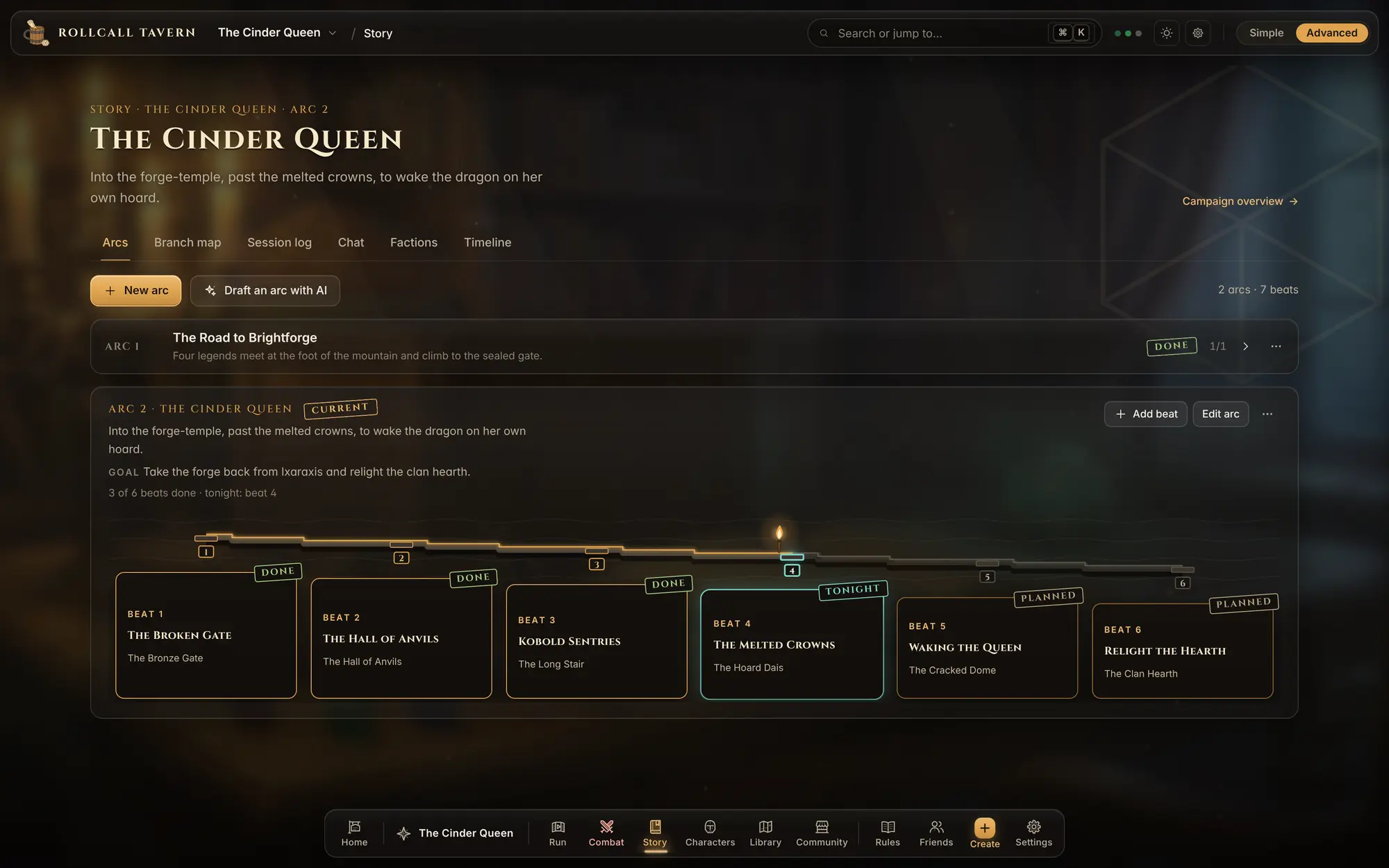
- The story as scenes in order, with tonight's scene marked
- Monsters and spells in a library you can search
The war table · The fight
Run the fight on one screen.
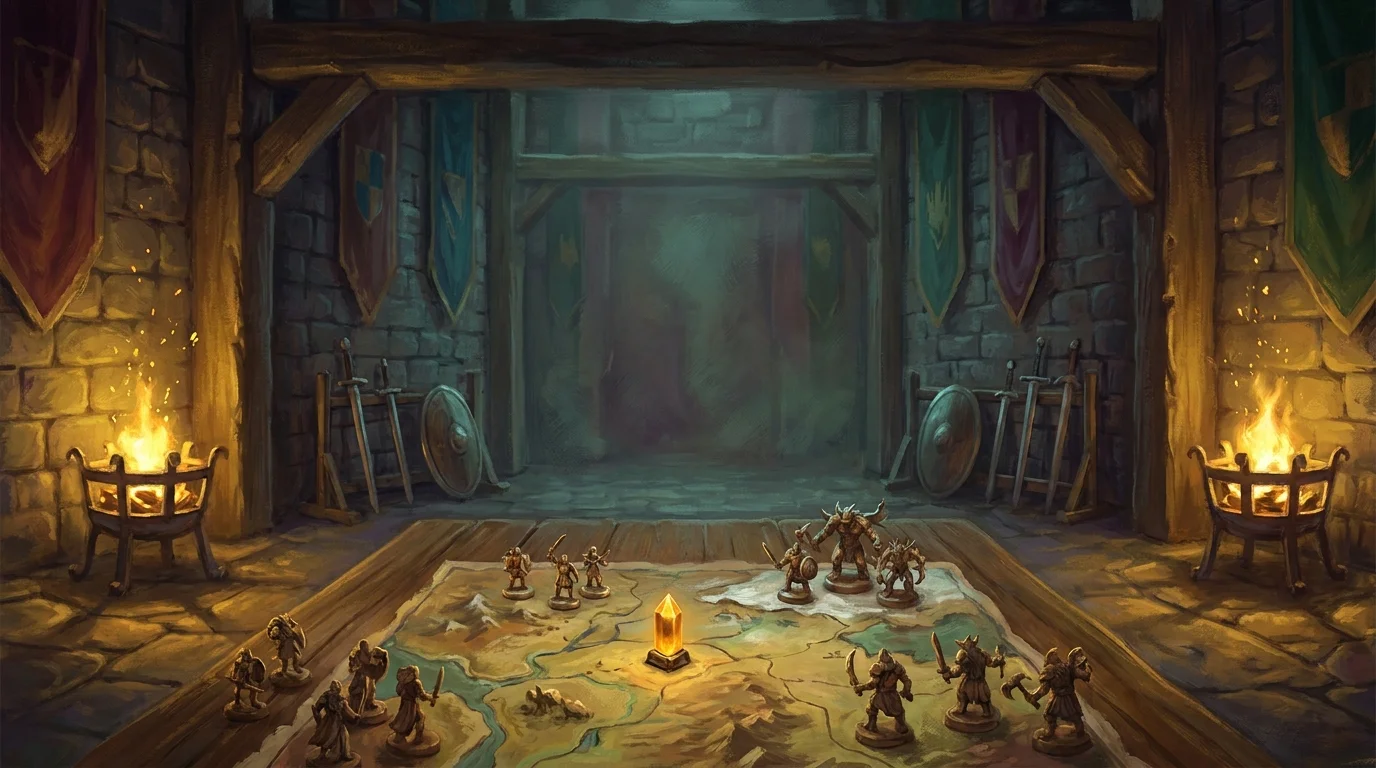
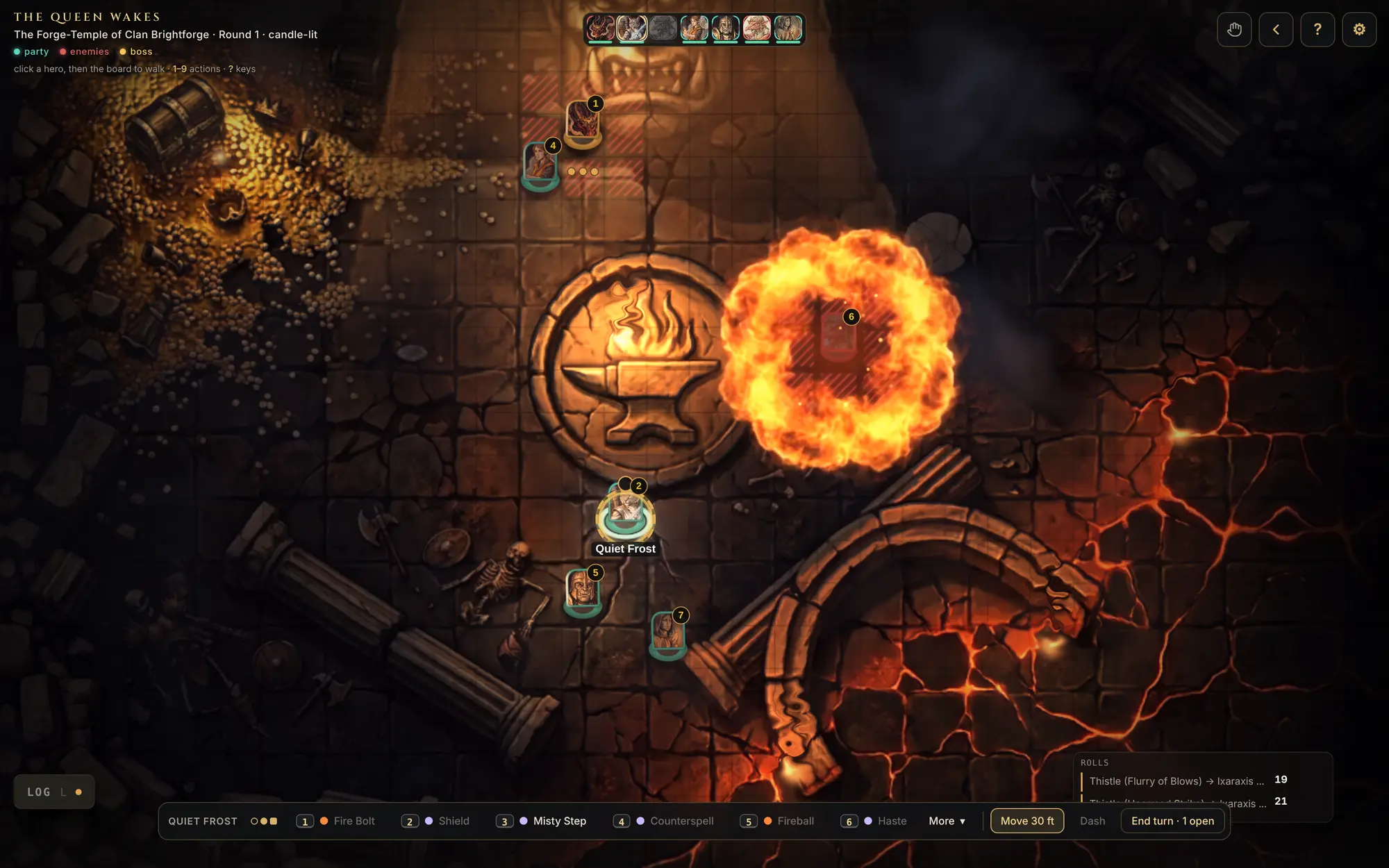
The turn order runs across the top, the map fills the screen, and the active turn's attacks, spells and slots sit along the bottom. End the turn and the next one comes up.
- Attacks, saves and damage worked out for you
- Spells drawn right on the board, from a fire bolt to a fireball
- Every player's phone follows along live
The notice board · The players' screen
Show your players exactly what you want.
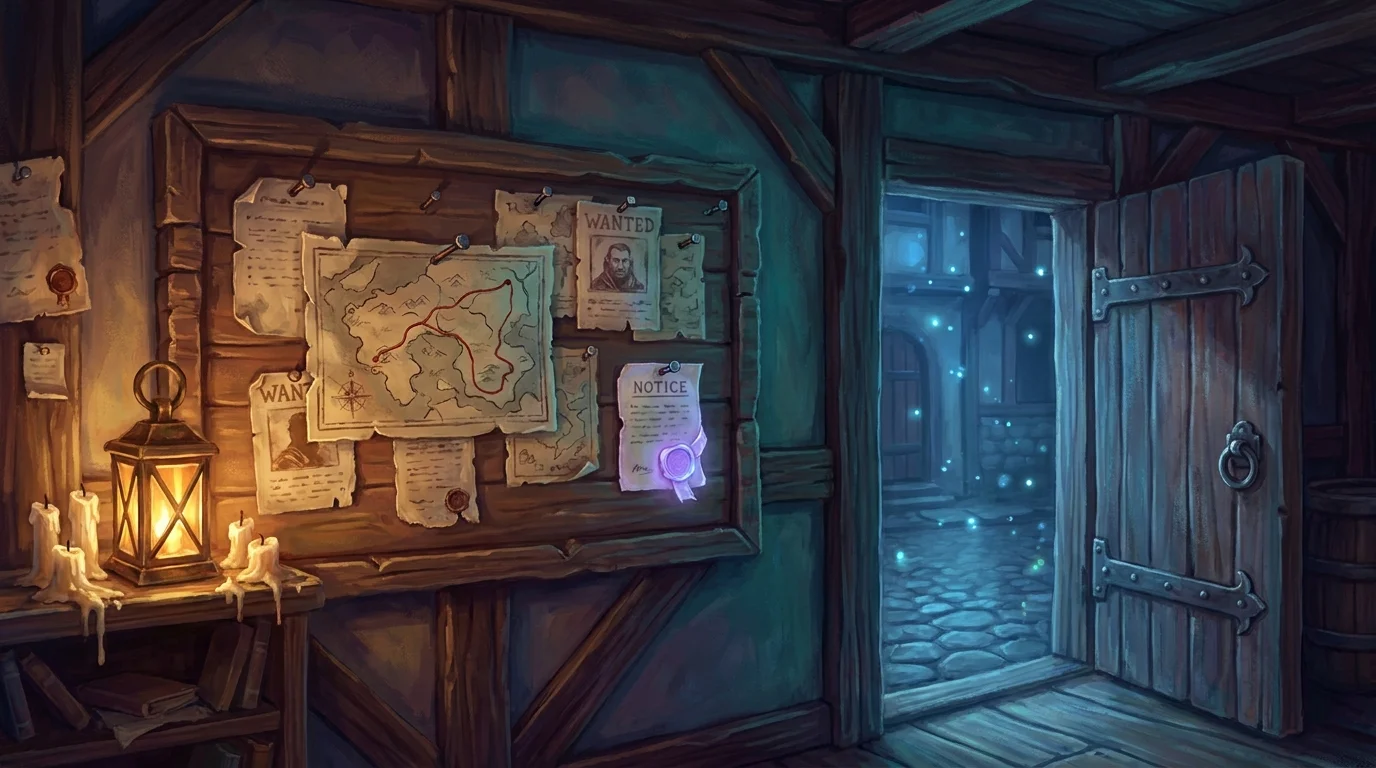
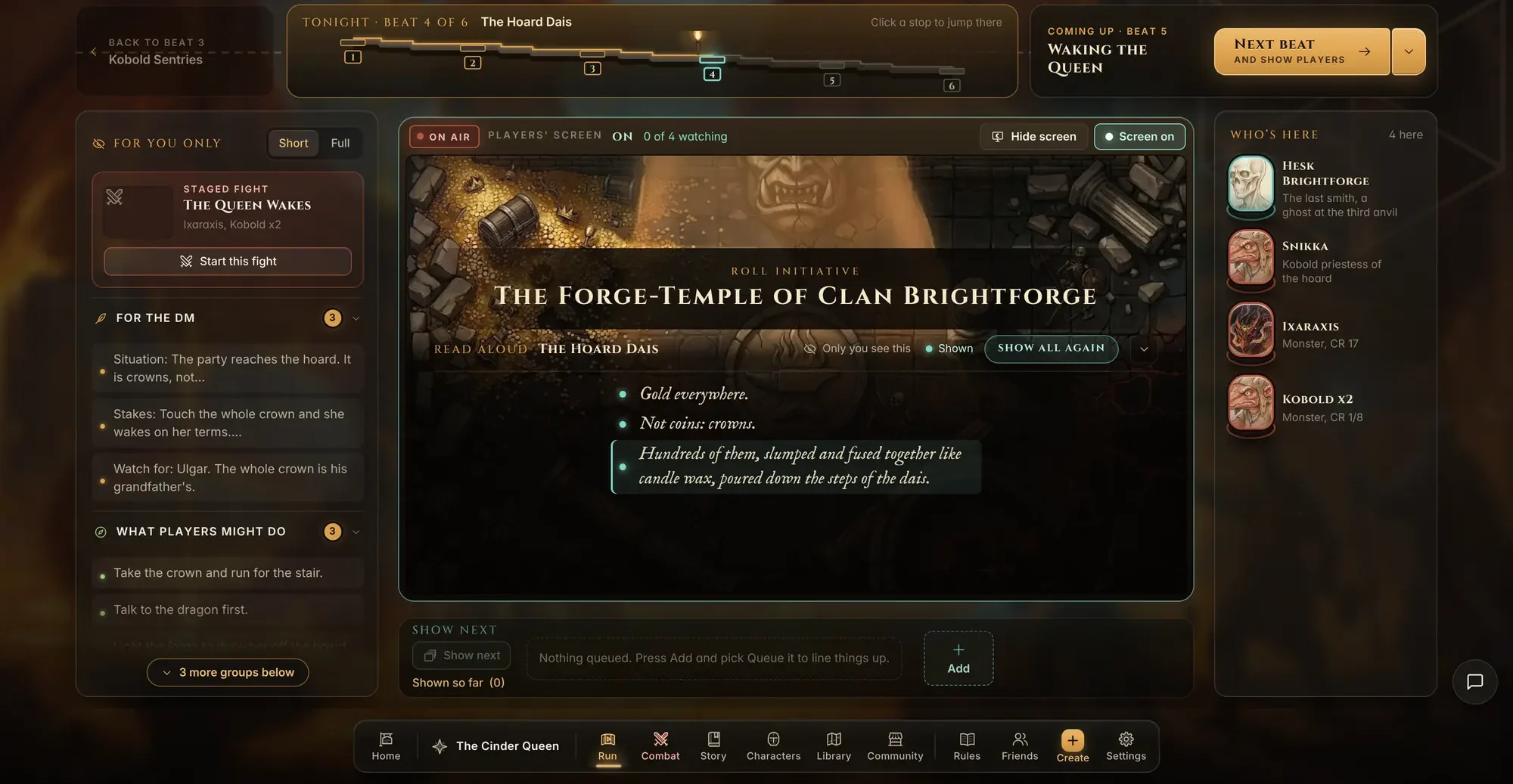
Read from your script in big, clear type. When the story moves on, one button takes you to the next scene and puts it on every player's screen.
- Read-aloud text that lands on every phone as you read it
- Cut to a map, a picture or a fight at any time
- An on air light, so you always know what they can see
Back at the table · Players
Their phone is their seat at the table.
Each player sees the board with their own token, their sheet and what you read aloud. On their turn, one bar holds everything they can do.
- Free for players. Make an account, then open the game master's invite link
- Their sheet, spells and bag one tap away
- They never see your notes or your side of the tool
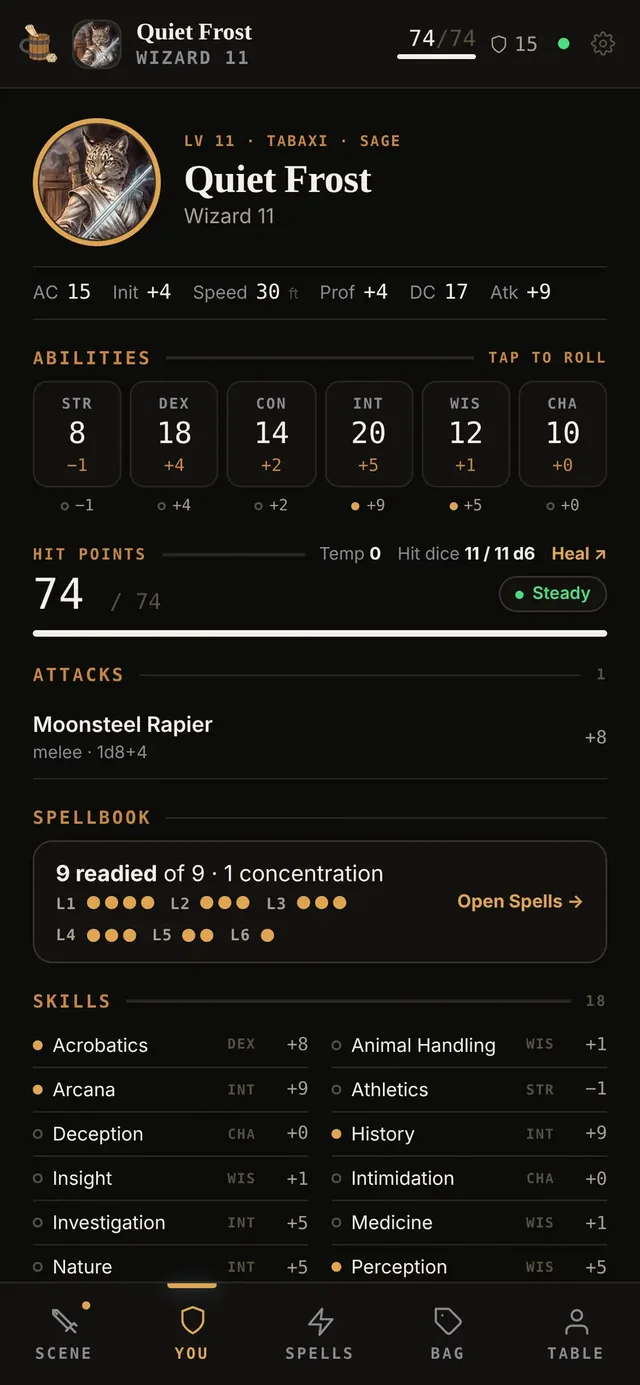
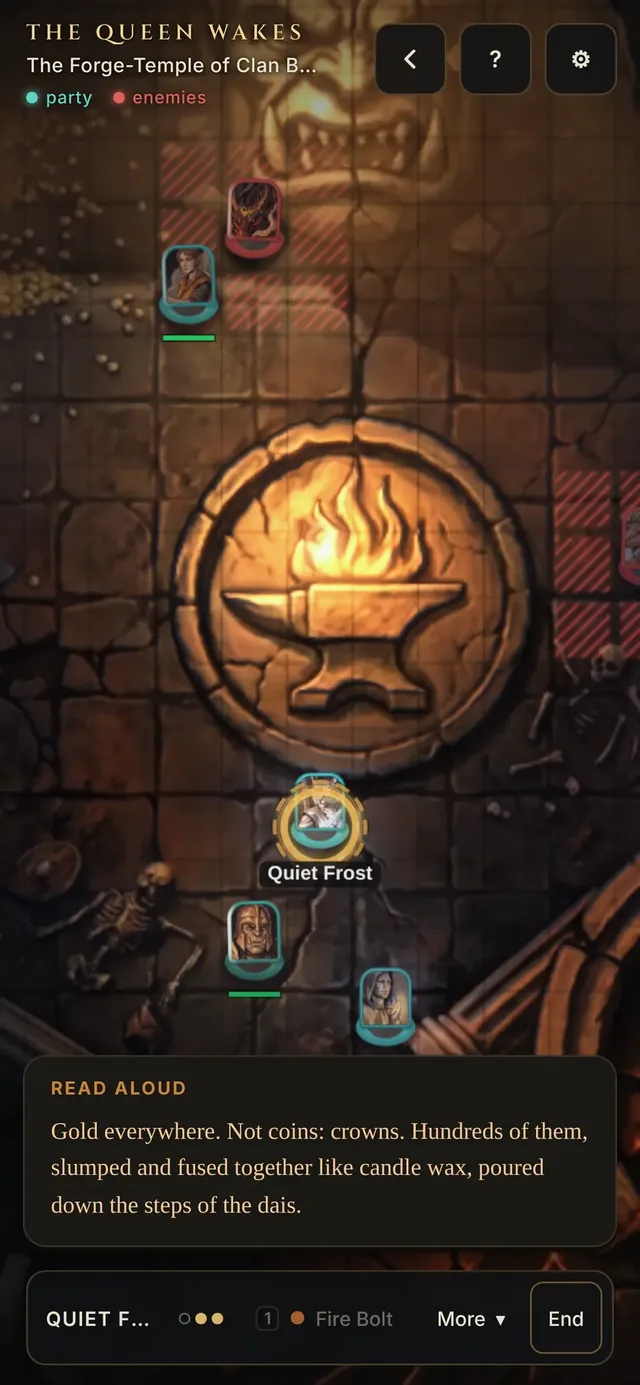
Your turn. Pick an attack or a spell, then tap a target on the board.
Their own sheet with abilities, hit points, attacks and spells.
Built to work by hand.
Nothing here needs a helper to run a game. Make it all yourself, or ask for a draft when you would rather not.
Free for players and game masters. The optional helper is the only paid part.
- Build it by handEvery form works on its own. Sensible defaults fill in the boring fields.
- Ask for a draftRead-aloud text, a name or a whole story arc. Off until you ask, and always yours to edit.
- Your data stays yoursExport everything, or delete all of it from Settings, any time.
Your table is waiting
Pull up a chair.
- 1Make your table
- 2Send your players the invite link
- 3Play tonight
Free for players and game masters. Works in the browser on desktop, tablet and phone.