How it works
A game night, start to finish.
Five steps. The first one is the only one that takes an evening, and everything after it happens at the table.
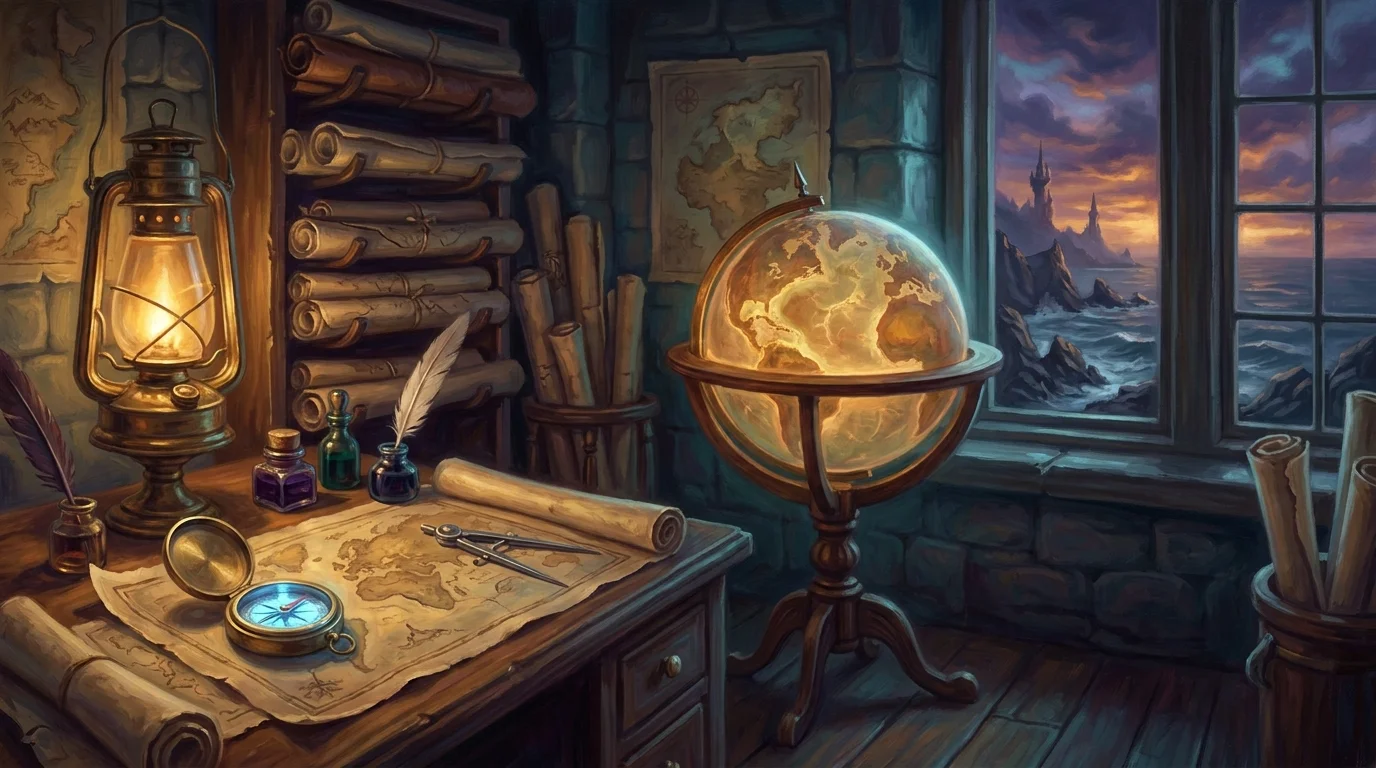
Before the session
Step 1: Set up your campaign once.
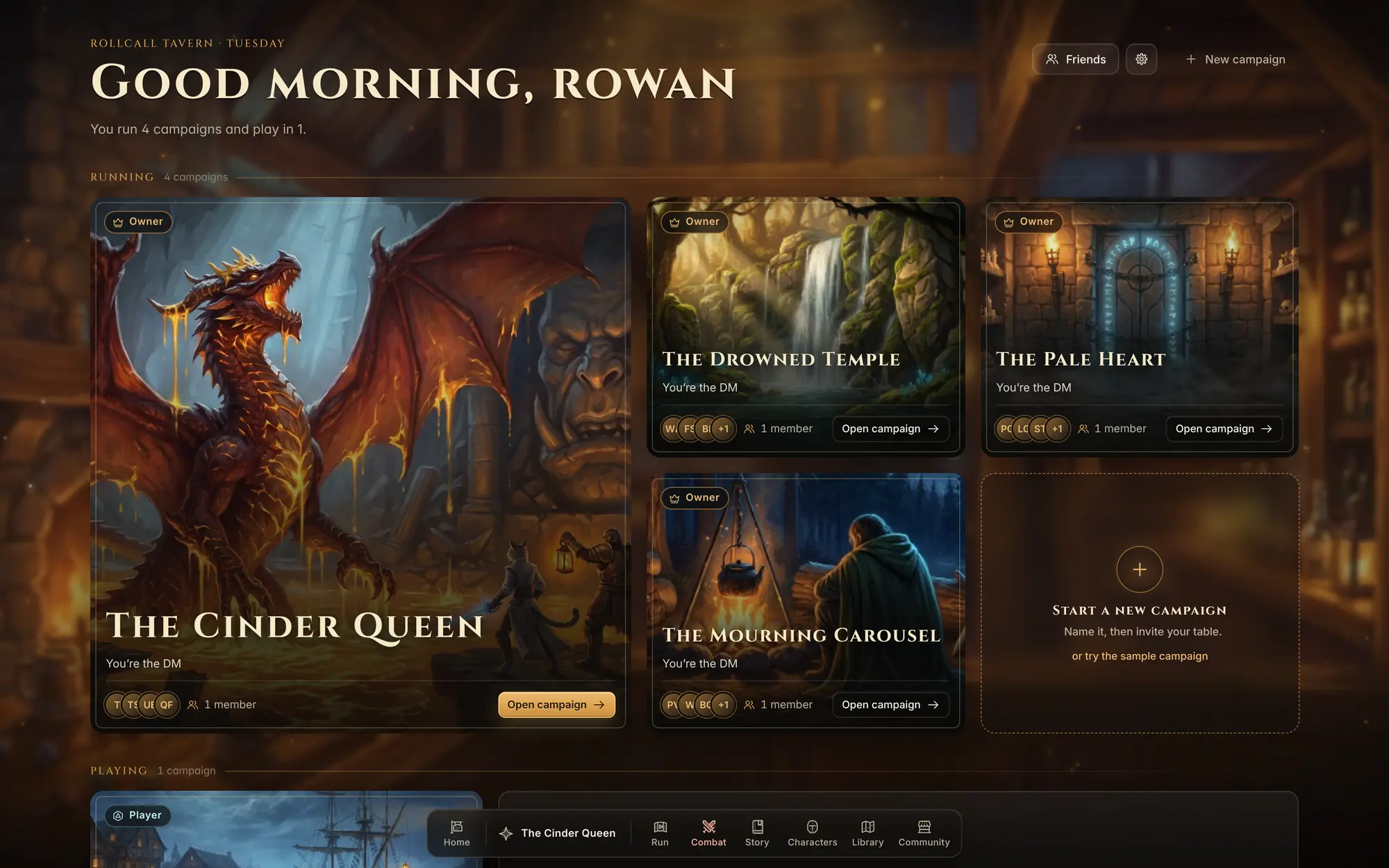
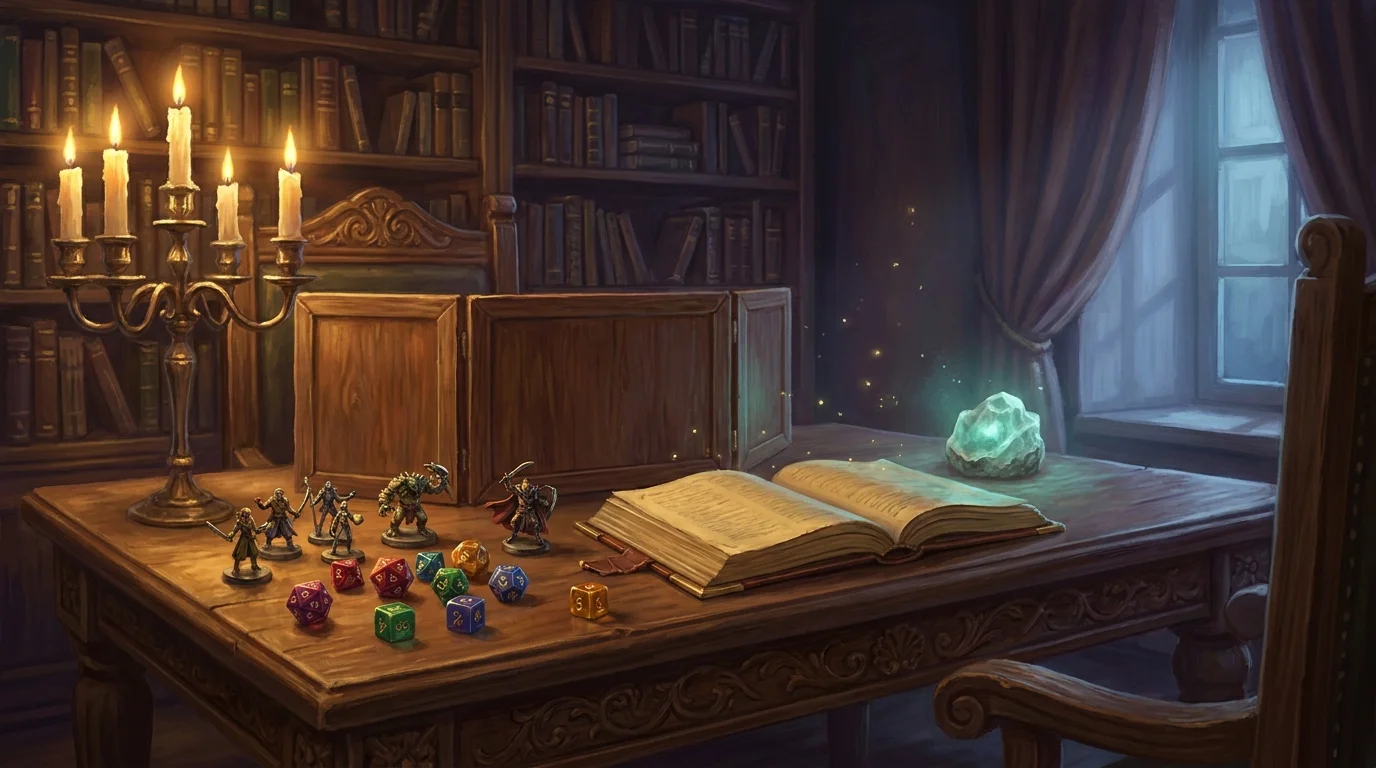
Make a campaign, then add the party, write the story as scenes, upload a map and pick the monsters.
- Start from scratch or from a ready-made map or monster
- Players can build their own characters from a phone
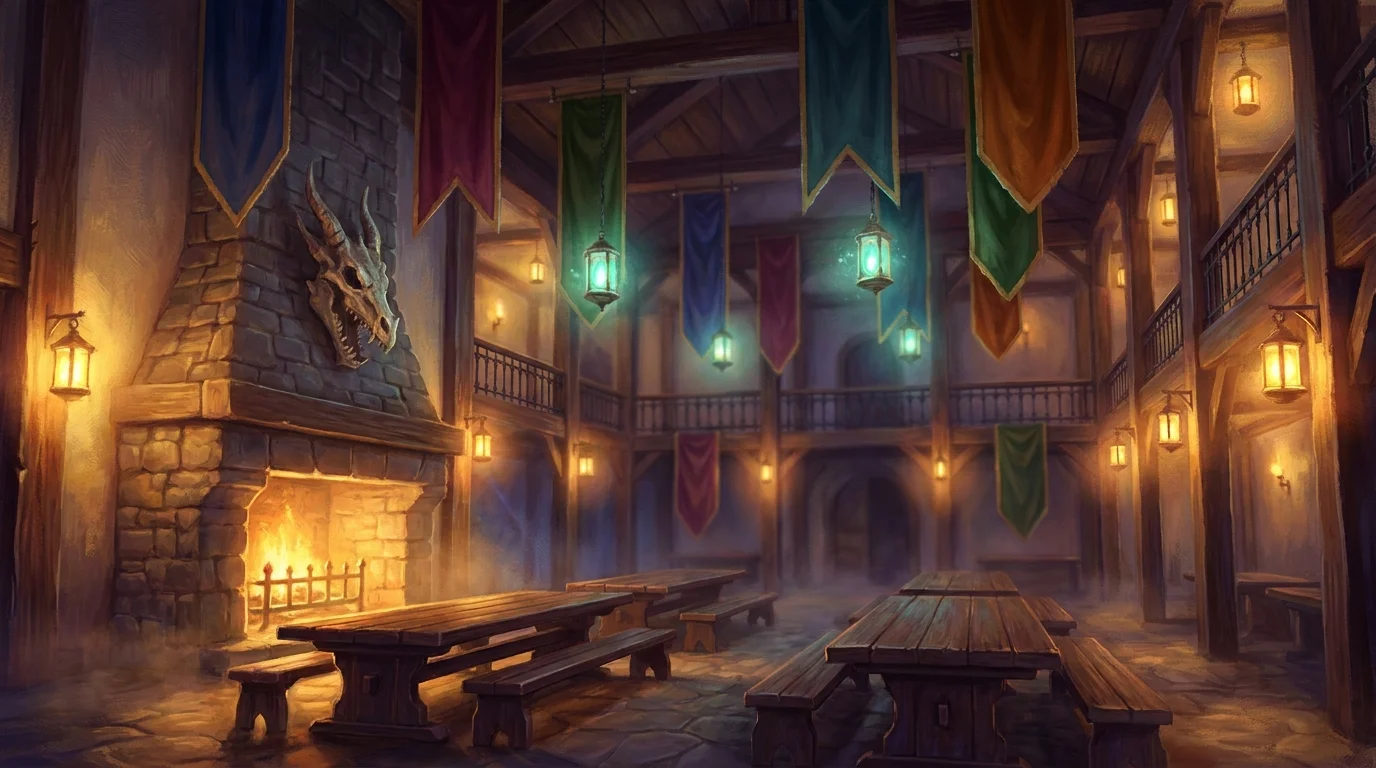
Invite the table
Step 2: Send your players the invite link.
Each player makes a free account, then opens your invite link and makes a character. It shows up in your party, ready for game night.
- Phone, tablet or laptop, whatever is on the table
- Nothing to install. It runs in the browser
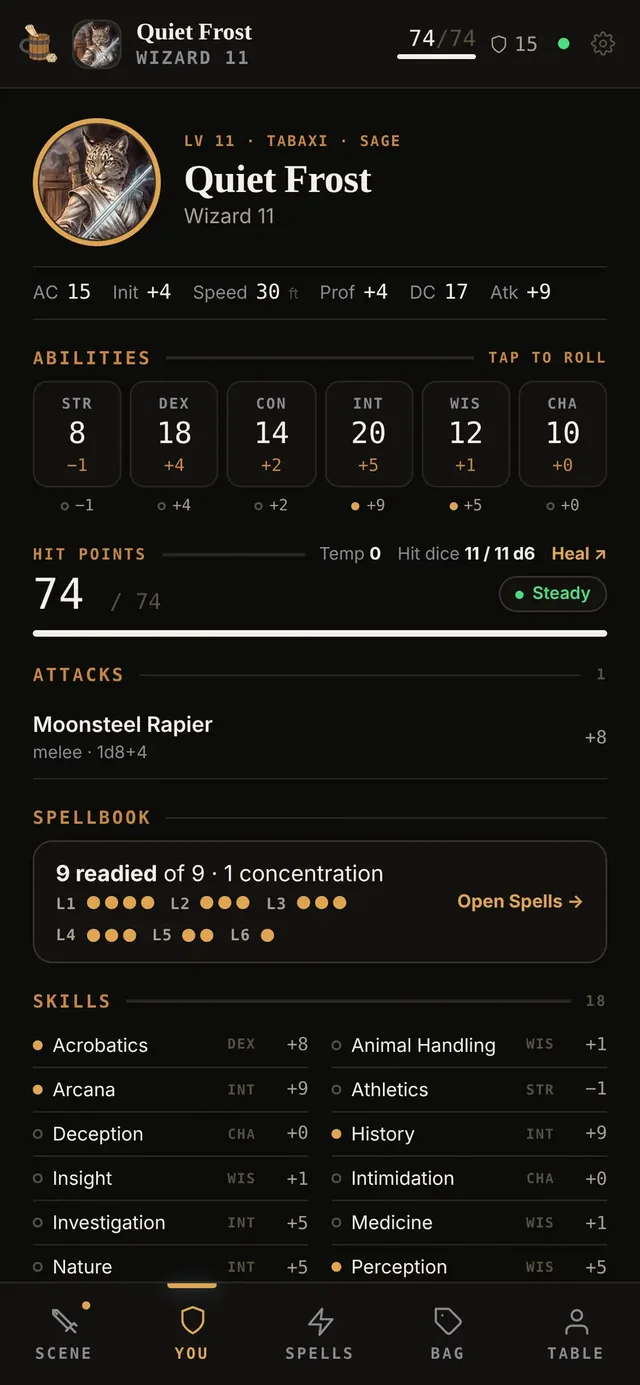
Their sheet, on their phone. Abilities, hit points, attacks and spells.
Run it
Step 3: Run the night from your script.
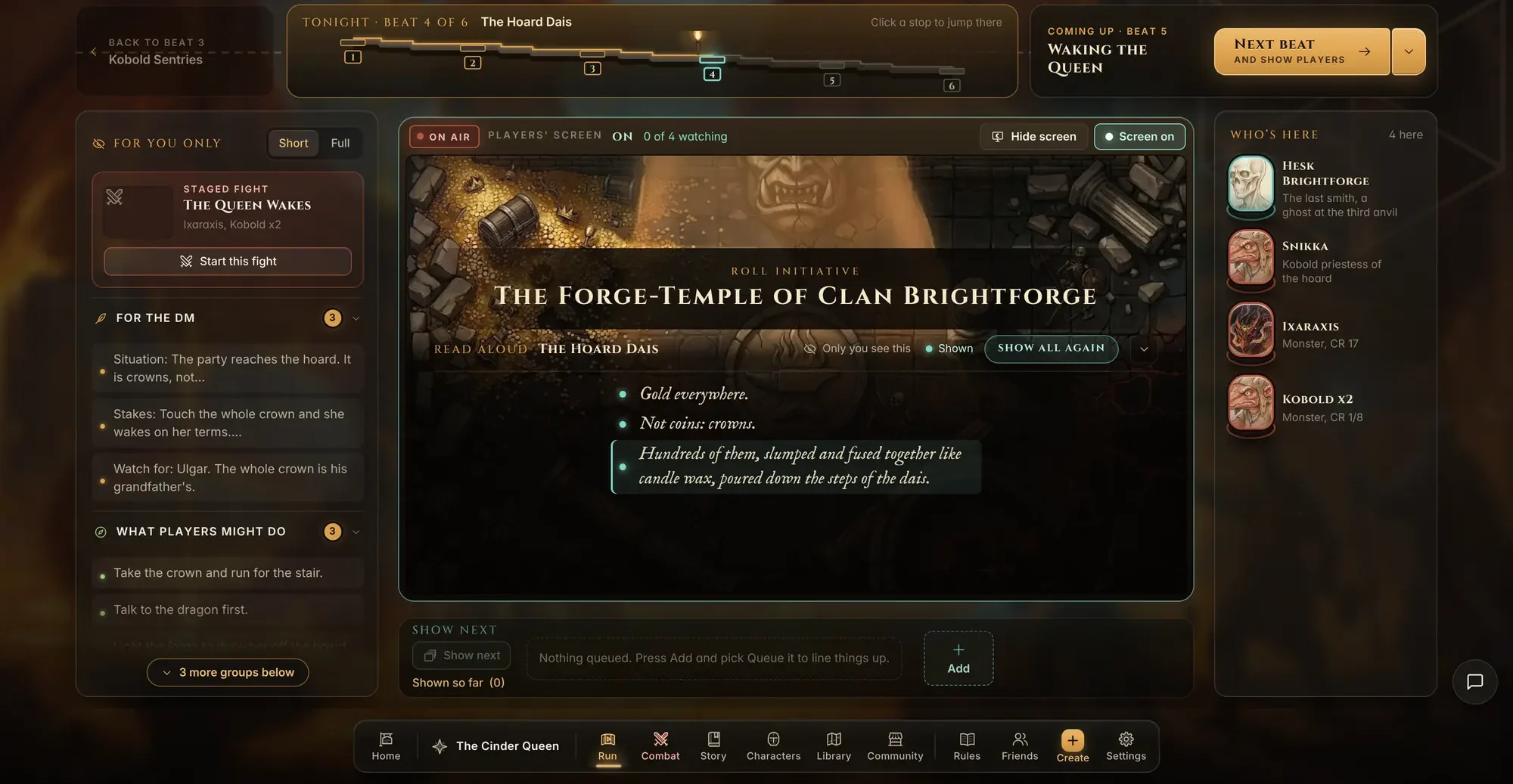
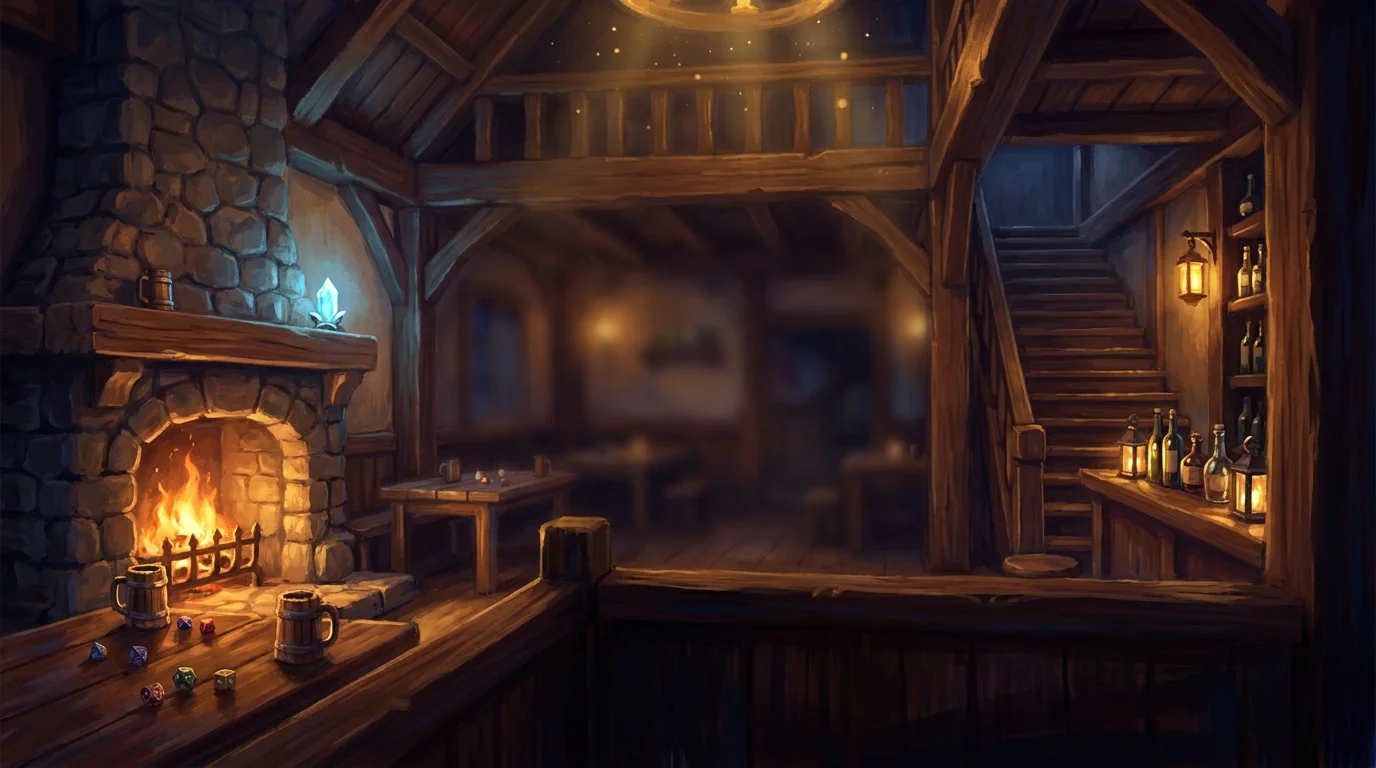
Open Run and read from your script. When the story moves on, one button takes you to the next scene and shows it to the players. Start the fight and you land on the battle map with the turn order already set.
Players play
Step 4: Everyone plays from their own phone.
Their phone shows the board, their token and what you read aloud. On their turn a bar comes up with Attack, Cast, More and End turn.
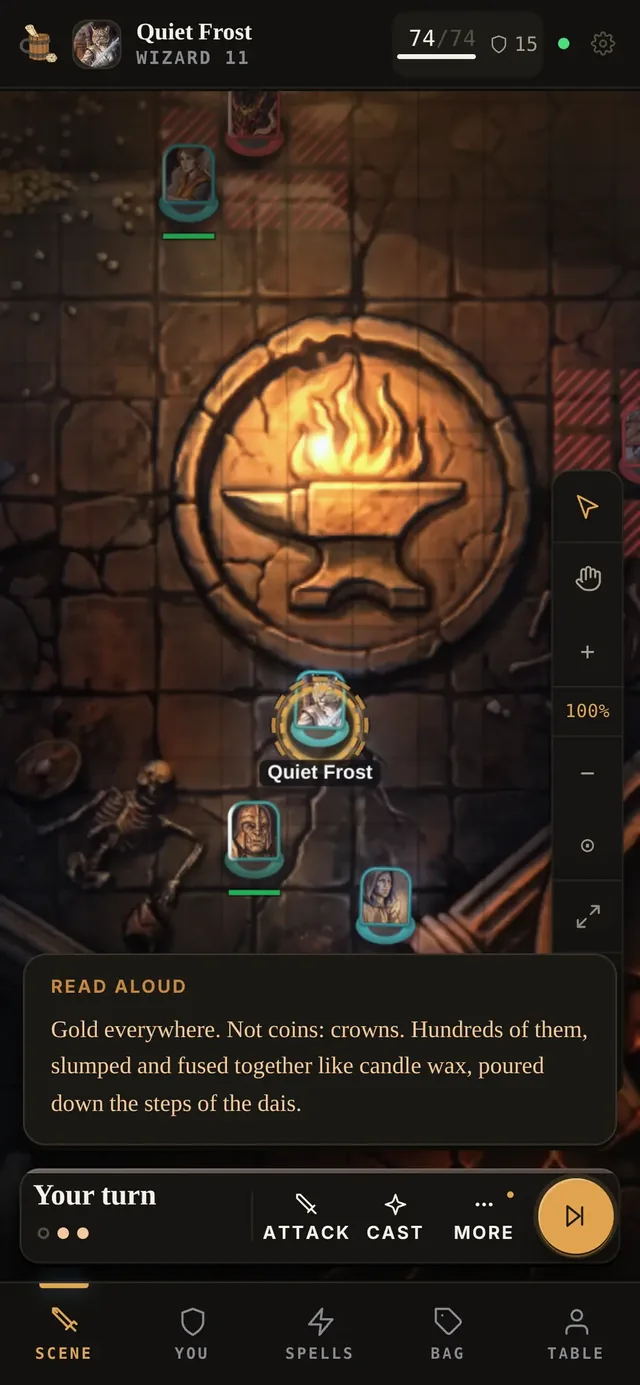
What you read aloud lands on every phone at the table.
Next week
Step 5: Pick up right where you left off.
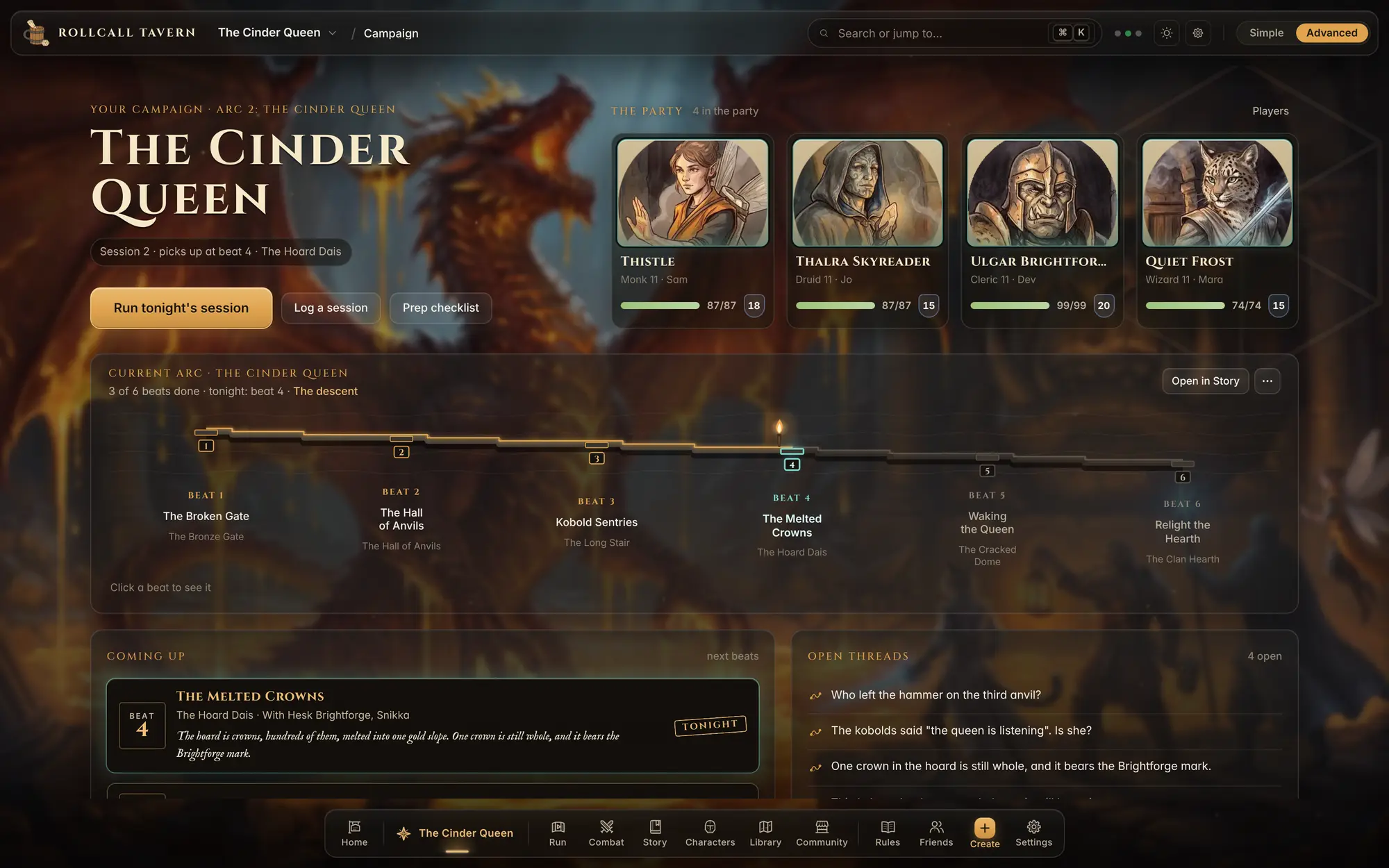
Everything saves as you play. Log the session, and next week your campaign page shows the scene you stopped at.
Straight answers
Questions worth asking first.
Do I have to use the helper?
No. Everything works by hand, like any tabletop campaign: write the story, build maps and run fights yourself. The helper is optional, stays off until you ask, and is the only paid part.
Do my players need an account or an app?
A free account, and nothing to install. Each player makes one, then opens your invite link. It runs in the browser on a phone, a tablet or a laptop, and they get their own live sheet during play.
Is this official D&D?
No. RollCall Tavern is an independent tool. It is not affiliated with or endorsed by Wizards of the Coast or any other game publisher. It works with 5e rules and uses game rules from the System Reference Document (CC BY 4.0). What ships with it is original or from that reference, and you bring your own books and settings.
How do I get help, and how fast will someone answer?
Email [email protected]. RollCall Tavern is run by one person, and that person answers the mail, usually within two business days. Requests to export or delete your data are answered within 30 days, as the Privacy Policy sets out. Formal copyright notices go to the designated agent on the DMCA page instead.
Your table is waiting
Pull up a chair.
- 1Make your table
- 2Send your players the invite link
- 3Play tonight
Free for players and game masters. Works in the browser on desktop, tablet and phone.